
Solar street lights play a vital role in illuminating our streets, ensuring safety, and enhancing the overall aesthetics of our cities. At DEL, we deliver the best Solar Lights tailored to your specific needs and requirements.
It is not uncommon to encounter instances where a solar light not working becomes a pressing issue. A solar light not working creates a significant problem that demands immediate attention and proper diagnosis. Whether it is a residential garden light or a large-scale solar street light, addressing the root cause quickly ensures uninterrupted illumination and safety. Let’s explore the common reasons behind solar light not working situations and discuss proven troubleshooting methods to fix solar lights effectively.
Components of a Solar Light
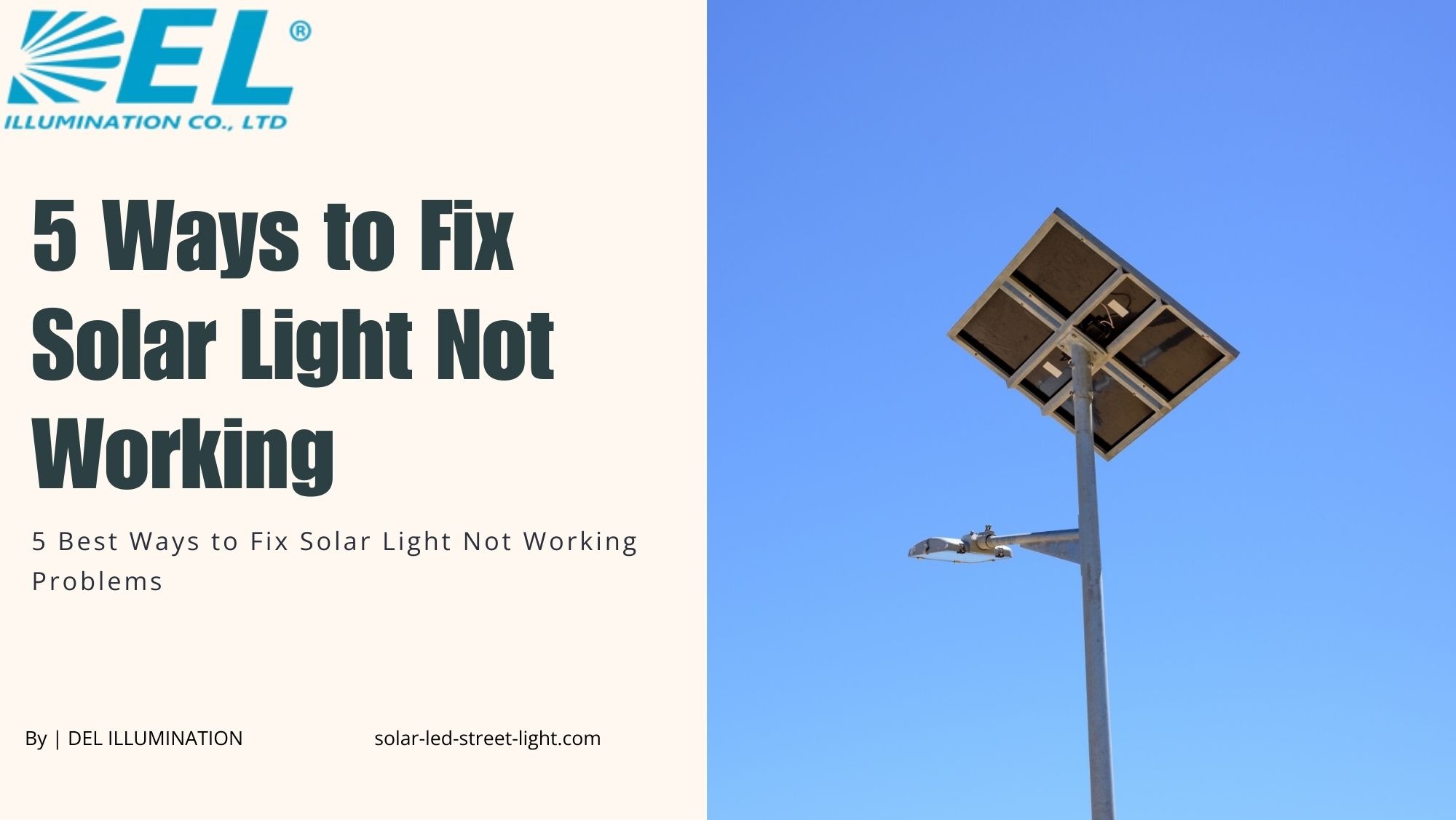
A solar light consists of several essential components that work together to harness solar energy and provide illumination. Understanding these components is the first step in diagnosing any solar light not working scenario. Here are the vital components of a typical solar street light:
1. Solar Panel
The solar panel is responsible for converting sunlight into electrical energy. It consists of multiple photovoltaic (PV) cells that absorb solar radiation and generate direct current (DC) electricity. A damaged or dirty panel is one of the top reasons behind a solar light not working problem.
2. Battery
The battery stores the electrical energy generated by the solar panel during the day for use during the night. It ensures a continuous power supply to the street light and acts as an energy reserve. A failing battery is one of the most common culprits behind a solar light not working issue.
3. LED Light Fixture
Light Emitting Diode (LED) is the primary source of illumination in a solar street light. LED lights are energy-efficient, long-lasting, and capable of producing high-quality light with minimal power consumption. A burnt-out LED is a frequent cause of a solar light not working situation.
4. Controller
The controller manages the overall operation of the solar street light system. It regulates the charging and discharging of the battery, controls the lighting duration, and provides protection against overcharging and over-discharging. Controller failure can directly result in a solar light not working.
5. Pole and Mounting Structure
The pole provides structural support for the solar street light and holds the solar panel, battery, LED fixture, and other components. The mounting structure ensures the secure installation of the street light on the pole.
6. Sensor and Motion Detector (Optional)
Some solar street lights are equipped with sensors and motion detectors. These components detect changes in ambient light levels and movement, allowing the light to automatically adjust its brightness or activate when someone approaches. A malfunctioning sensor is another common source of a solar light not working complaint.
7. Wiring and Connectors
Wiring and connectors serve as the electrical connections between the solar panel, battery, LED fixture, and controller. Proper wiring ensures efficient energy transfer and reliable functioning of the street light system. Damaged wiring is a frequently overlooked cause of solar light not working problems.
Components that can cause a solar light not working crisis include:
- Faulty solar panel
- Defective LED light fixture
- Worn-out battery
- Damaged wiring
- Malfunctioning controller
Why is My Solar Light Not Working? Common Issues and Solutions
What causes a solar light not working, and how can you fix it? Below are the most common issues and their proven solutions to help you get your lights back on track.
1. Insufficient Sunlight Exposure
Solar lights rely entirely on sunlight to charge their batteries and power the LED fixture. If the light is located in an area with limited direct sunlight , such as under dense tree cover, near tall buildings, or in a shaded courtyard , it may not receive enough solar energy to charge properly. This is one of the leading causes of a solar light not working at night.
Solution: Reposition the solar lights in a spot with maximum direct sunlight exposure, ideally facing south. Trim overhanging branches and ensure no structures or objects are casting shadows on the panel throughout the day.
2. Battery Issues
The battery in a solar light system stores energy during the day for nighttime use. If the battery is old, damaged, or improperly connected, it may fail to store enough energy , resulting in a solar light not working after dark. Most solar light batteries last between 1 to 3 years before needing replacement.
Solution: Verify battery condition and ensure proper connections. Replace the battery if it is not holding a charge. Follow these steps to address battery-related solar light not working issues:
- Turn off the solar street light and disconnect it from any power source.
- Remove the battery and inspect it for damage, leakage, or corrosion.
- Measure the voltage using a multimeter; replace it if it is below the manufacturer’s specified range.
- Always replace with a battery of the same voltage and capacity for optimal performance.
3. Faulty Solar Panel
The solar panel converts sunlight into electricity. If the panel is cracked, dirty, coated with dust or bird droppings, or incorrectly angled, it will not generate enough power , triggering a solar light not working scenario. Even partial shading from debris can significantly reduce output.
Solution: Clean the solar panel regularly with a damp cloth and mild detergent. Inspect for cracks or physical damage. Ensure the panel faces the correct direction and angle. Replace or repair the panel if it is damaged beyond cleaning.
4. Controller Malfunction
The charge controller regulates battery charging, discharging, and lighting cycles. A faulty or misconfigured controller can prevent the light from turning on, cause it to flicker, or drain the battery prematurely , all presenting as a solar light not working issue.
Solution: Inspect and test the controller. Make sure all settings are correctly configured per the manufacturer’s guidelines. If the controller is unresponsive or consistently misconfigured, it may need to be replaced.
5. Wiring Issues
Poorly connected or corroded wiring can disrupt the flow of electricity within the solar light system. Loose connections, water-damaged cables, or oxidized terminals are all known triggers for a solar light not working problem, especially after rainy seasons.
Solution: Thoroughly check all wiring connections for signs of wear, corrosion, or looseness. Use an electrical contact cleaner on corroded terminals. Replace any damaged cables and ensure all connections are waterproofed to prevent future solar light not working issues.
6. Component Failure
Individual components such as the LED bulb, photocell sensor, or motion detector may fail due to age, electrical surges, or environmental wear. Any one of these can cause a solar light not working condition even if the rest of the system is functioning normally.
Solution: Identify and replace faulty components one at a time. Test the LED bulb, sensor, and motion detector individually to isolate the defective part before replacing it.
5 Best Ways to Fix Solar Light Not Working Problems
Now that we understand the causes, let’s walk through the five most effective methods to resolve a solar light not working situation step by step.
1. Check the Solar Panel Connection
Begin your solar light not working diagnosis by examining the wiring between the solar panel and the street light system. Make sure all cables are securely connected, without visible fraying, cuts, or damage. Confirm that connectors are properly seated and tightened to maintain a strong electrical connection.
Next, inspect the terminal box or junction box where the solar panel wires connect to the street light system. Open the box and look for loose wires, signs of corrosion, moisture damage, or burnt terminals , all of which can cause a solar light not working situation. Secure loose connections, replace damaged wiring, and clean corrosion using electrical contact cleaner. Waterproof the junction box after repairs to prevent recurring issues.
2. Verify Battery Condition
After confirming panel connections, check the battery itself. Turn off the solar street light and disconnect it from any power source. Carefully remove the battery and inspect it for damage, swelling, leakage, or corrosion , all signs that the battery is causing the solar light not working problem.
Measure the battery voltage with a multimeter. A healthy solar battery should read within the manufacturer’s specified range. If the voltage is low, attempt a full recharge. If the battery fails to hold charge or voltage drops rapidly under load, it must be replaced. Even visually intact batteries can lose capacity over time , a discharge test is always recommended to confirm battery health before ruling out a battery-related solar light not working cause.
3. Test the LED Bulb
Visually inspect the LED bulb for signs of damage including broken wires, loose connections, burn marks, or discoloration. If you notice any of these, the LED is likely the reason for your solar light not working.
To confirm, replace the existing LED bulb with a fully functional LED of the same specifications and wattage. Reconnect all wiring securely and power on the light. If the replacement LED works, the old bulb was the cause of the solar light not working issue. If the problem persists, deeper troubleshooting of the controller or wiring is required.
4. Examine the Light Sensor
A dirty, damaged, or misaligned light sensor is a very common yet often overlooked cause of a solar light not working. Inspect the sensor for physical damage such as cracks, loose connections, or corrosion. Use a soft cloth or gentle brush to clean any dirt, dust, or debris from the sensor surface.
Once cleaned, check sensor wiring connections for looseness or fraying. Then test the sensor’s functionality: cover it with a dark cloth to simulate nighttime and observe whether the light turns on automatically. Remove the cover and check if it turns off. If the light doesn’t respond correctly, the sensor may need replacement , resolving the solar light not working issue.
5. Inspect the Controller
The charge controller is the brain of the solar street light. Confirm it is securely connected to the solar panel, battery, and light fixture. Inspect all wiring connections for wear, corrosion, or looseness , any disruption here can cause a solar light not working scenario.
After verifying connections, review the controller’s settings. Check configurations for lighting hours, dimming schedules, and charging parameters. Incorrect settings can cause the light to fail to turn on or operate unexpectedly. If settings look correct but the solar light not working issue persists, consult the manufacturer’s documentation for advanced troubleshooting steps, error codes, or controller replacement guidance.
How to Fix Solar Light Sensor
Step 1 , Examine the Light Sensor: Inspect the sensor for visible signs of damage such as cracks, loose connections, or corrosion. Physical defects impair the sensor’s ability to accurately detect light levels, causing a solar light not working situation.
Step 2 , Clean the Sensor: Make sure the sensor is clean and free from any dirt, dust, or debris that might obstruct its operation. Use a dry or lightly damp cloth to gently clean the surface.
Step 3 , Test the Sensor: Cover the sensor with a dark cloth and observe the street light’s behavior. If it doesn’t respond as expected and turn on automatically, replace or repair the sensor to resolve the solar light not working problem.
Preventive Maintenance: Avoid Solar Light Not Working Issues
The best way to deal with a solar light not working situation is to prevent it from happening in the first place. A consistent maintenance routine can significantly extend the lifespan of your solar lights and reduce the frequency of breakdowns.
- Clean solar panels monthly to remove dust, bird droppings, and debris that block sunlight absorption.
- Inspect battery health every 6 months and replace batteries every 1–3 years depending on usage.
- Check all wiring connections seasonally, especially after monsoons or heavy storms.
- Verify controller settings after any power surges or firmware updates.
- Test the light sensor every 3 months using the dark cloth method to catch issues early.
- Keep surrounding vegetation trimmed to avoid shading the solar panel.
Conclusion
When confronted with a solar light not working situation, it is crucial to take prompt, systematic action to diagnose and resolve the issue. Whether it is a dirty solar panel, a failing battery, a blown LED, a faulty sensor, or a misconfigured controller, most solar light not working problems can be resolved with the right approach and a few basic tools.
Remember: if you are uncertain about any troubleshooting step or lack the necessary technical expertise, always seek professional assistance or consult the manufacturer’s instructions. Safety and proper handling of electrical components must remain the top priority when addressing any solar light not working issue.
By applying the five best fixes outlined in this guide and maintaining your system proactively, you can significantly extend the lifespan and efficiency of your solar street lights. Don’t let a solar light not working situation leave you in the dark , check out DEL and find yourself the best Solar LED Street Lights.
Frequently Asked Questions (FAQs)
FAQ 1: Why is my solar light not working even though the panel looks clean?
A clean panel is necessary but not sufficient. Your solar light not working problem could be caused by battery degradation, a faulty LED, a malfunctioning controller, or damaged wiring , none of which are visible from the outside. Use a multimeter to test battery voltage, and inspect all internal wiring and connections systematically. If the battery voltage is below the manufacturer’s recommended range, replacing the battery is often the fastest fix for a solar light not working situation.
FAQ 2: How long do solar light batteries last before causing a solar light not working issue?
Most solar light batteries last between 1 to 3 years, depending on battery type, usage patterns, and local climate conditions. Lithium-ion batteries tend to last longer than older lead-acid types. When a battery ages beyond its cycle life, it loses the ability to hold a full charge , a very common reason for a solar light not working after dark. Regular 6-month battery health checks and proactive replacement can prevent unexpected outages.
FAQ 3: Can weather conditions cause my solar light not working?
Yes. Prolonged cloudy or rainy weather significantly reduces the sunlight available to charge the solar panels, which can result in insufficient battery charge and dim or non-functional lights. Extreme heat or cold can also affect battery efficiency and lifespan. If your solar light not working issue coincides with a stretch of poor weather, allow 1–2 days of full sun to fully recharge the battery before assuming a fault. For persistent rainy-season issues, upgrading to a higher-capacity battery can help.
FAQ 4: What is the pull tab and how does it relate to a solar light not working?
New solar lights ship with a small plastic or paper pull tab inserted between the battery and its terminal. This insulating tab prevents the battery from discharging during storage and shipping. If left in place after installation, the battery cannot connect to the system , making the solar light not working right out of the box. Always check for and remove the pull tab before setting up any new solar light. It is a simple fix but one of the most commonly missed causes of a brand-new solar light not working.
FAQ 5: When should I call a professional to fix a solar light not working issue?
You should call a qualified technician if:
(1) you have checked and tested all five components , panel, battery, LED, sensor, and controller , and the solar light not working problem persists;
(2) you notice burnt wiring, melted connectors, or signs of electrical damage;
(3) the controller displays error codes you cannot interpret; or
(4) the light is mounted at height and accessing it safely requires specialist equipment. Professional intervention ensures safety and prevents further damage to an otherwise repairable solar street light system.